Trade from TradingView, copy to every account.
Chart on TradingView. Trade across every account. Use TradingView for what it's best at — charts, indicators, alerts. Echo Trader handles the execution side: trades placed from your charts mirror to unlimited Tradovate or NinjaTrader accounts in real time.
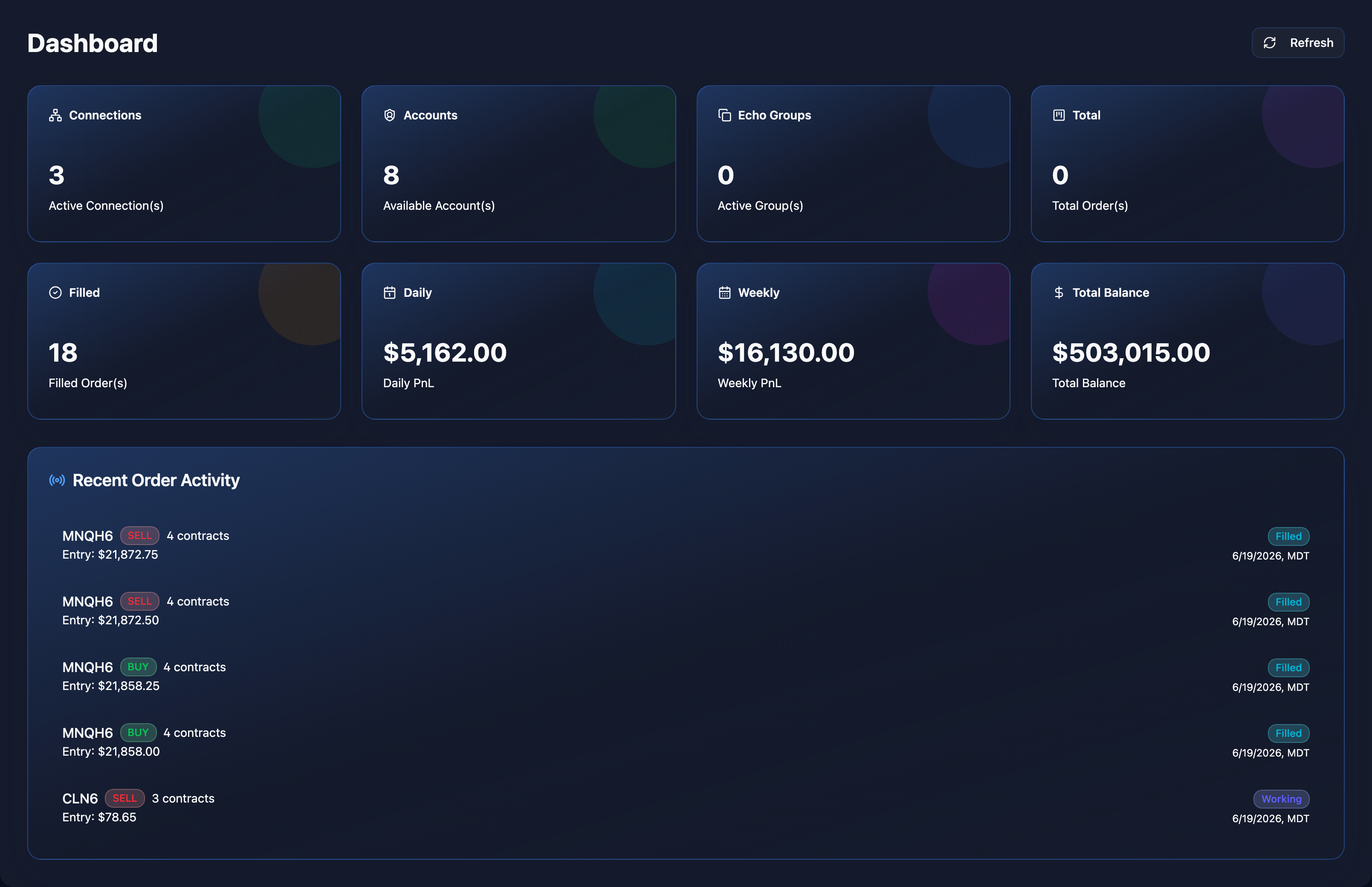
TradingView is for charts. Echo Trader is for execution.
TradingView doesn't host broker accounts — it's a charting platform. Echo Trader bridges your TradingView setups to the broker accounts you actually trade on.
Trade from charts
Place trades from your TradingView charts using their broker integration; Echo Trader copies the fill to every follower account.
Multi-platform fan-out
One TradingView-driven entry can fan out to Tradovate accounts, NinjaTrader accounts, or both.
Risk rules still apply
Every copied trade respects per-account daily and weekly profit and loss limits.
Trade log + journal
Every TradingView-driven trade lands in your Echo Trader journal with P&L, latency, and slippage.
TradingView doesn't have broker accounts.
It's a chart + analysis platform. Real broker accounts live at Tradovate or NinjaTrader. Echo Trader connects your TradingView-driven trades to those accounts.
- Chart on TradingView (or any platform you like)
- Connect Tradovate or NinjaTrader as your execution venue
- Trades placed via TradingView's broker integration get copied automatically
- Echo Trader handles the fan-out to every follower account from there
Quick answers
Can I copy trades placed directly on TradingView's chart?
Yes — if you're using TradingView's broker integration with Tradovate or another supported broker, Echo Trader picks up the fills and copies them.
Does Echo Trader replace TradingView?
No. TradingView is the best charting tool out there. Echo Trader is for execution, copying, journaling, and risk management on the broker side.